
Google Blurs The Line Between Gemini Chat and NotebookLM Research Notebooks
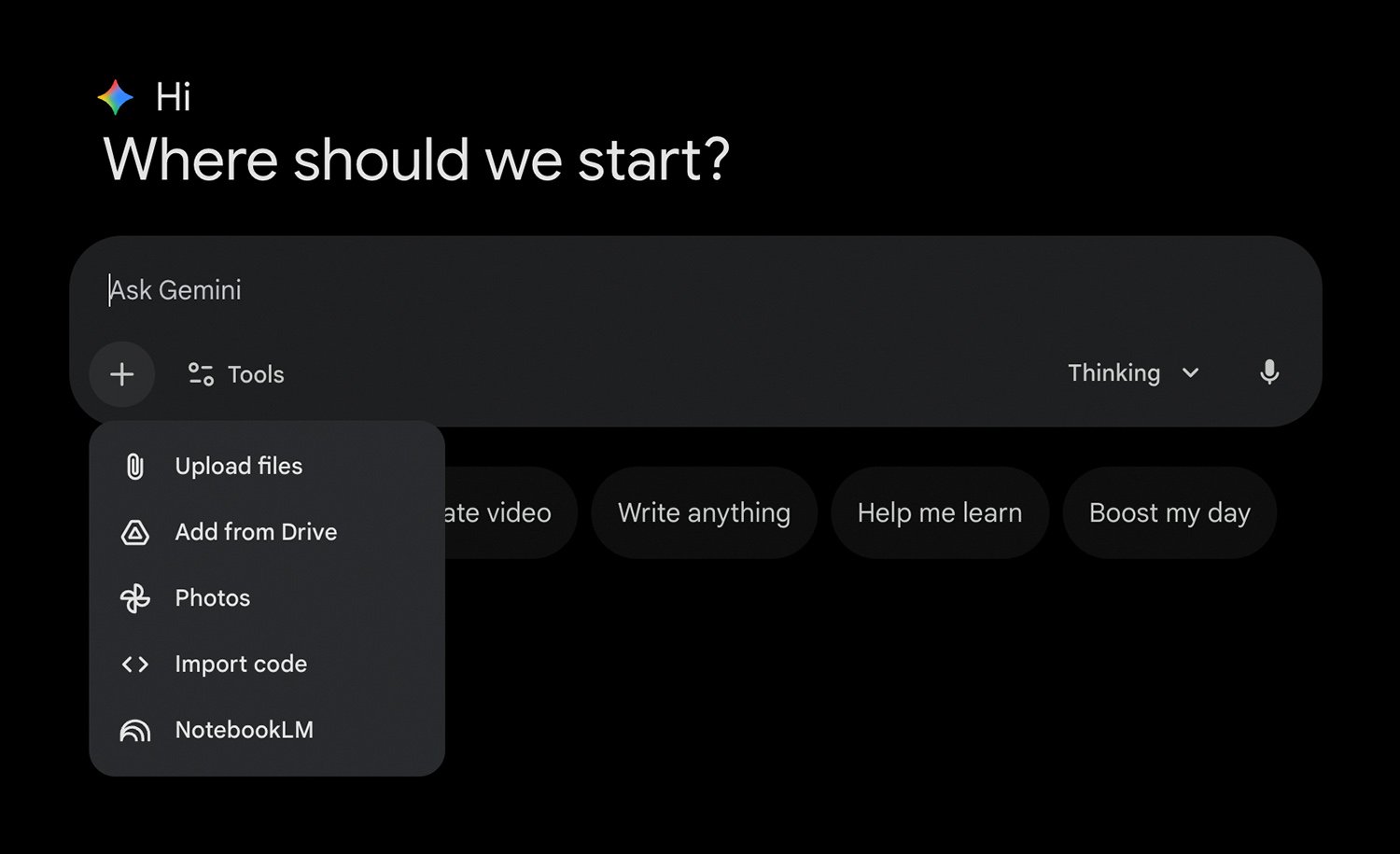
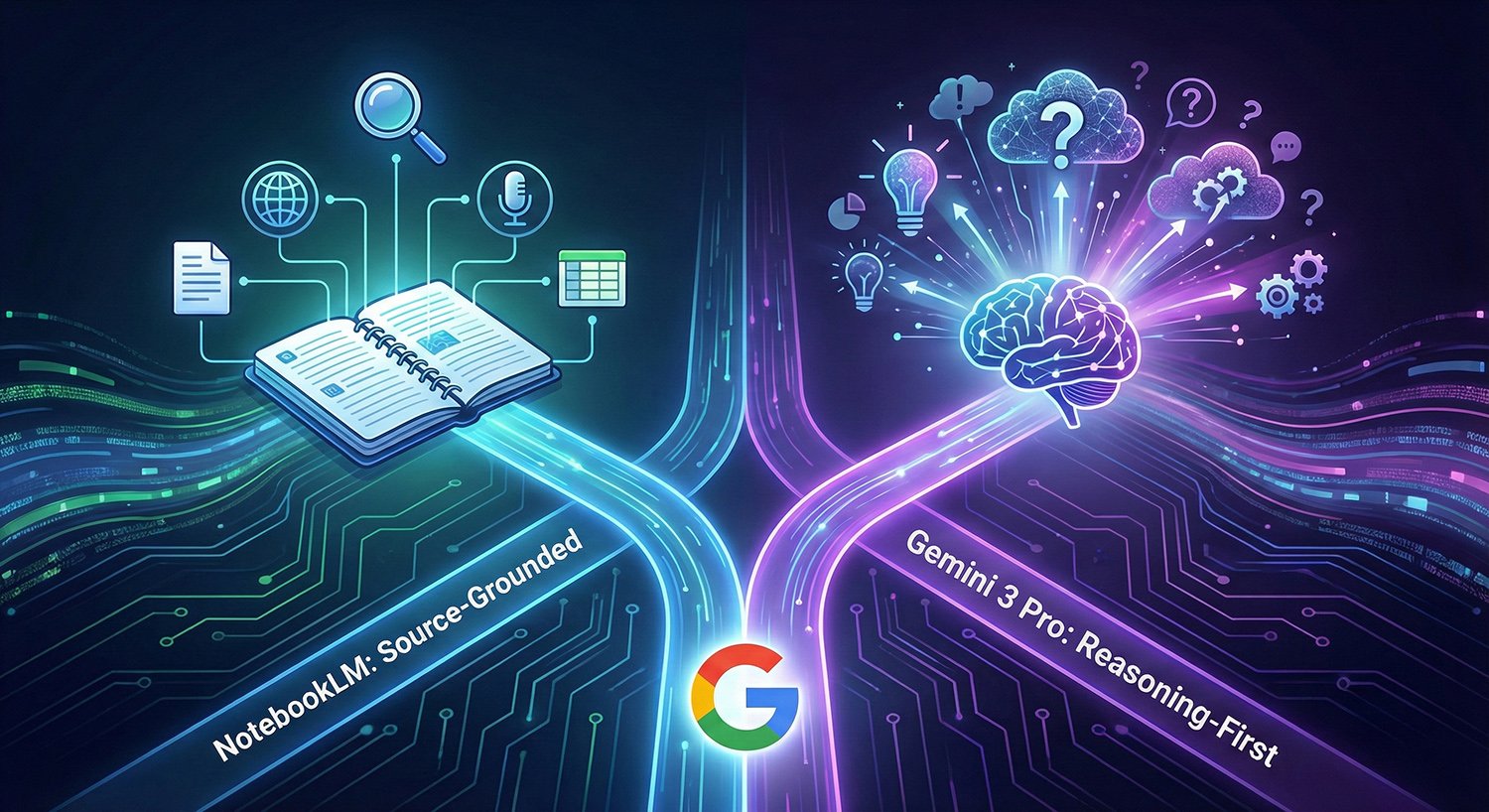
Image Source: Google Gemini
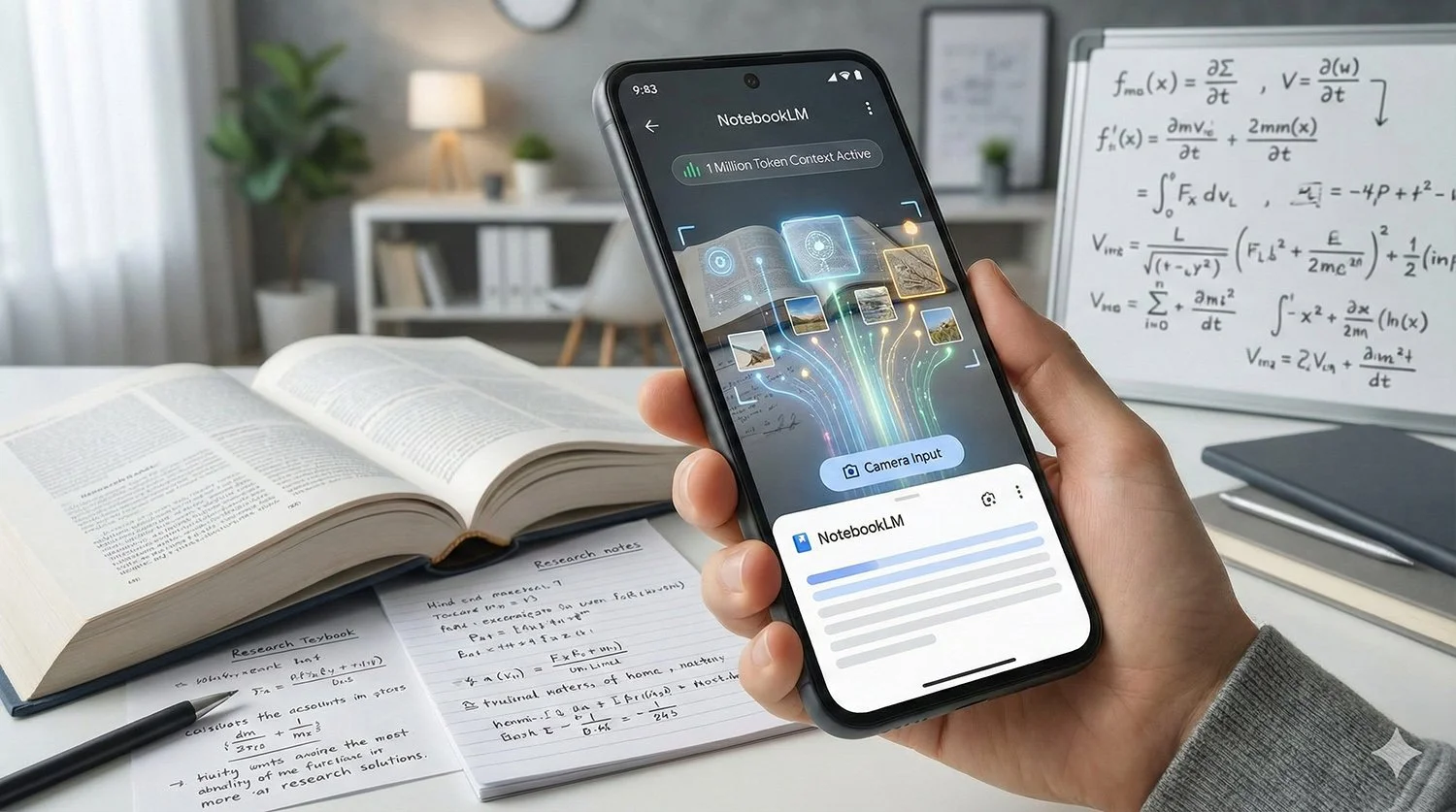
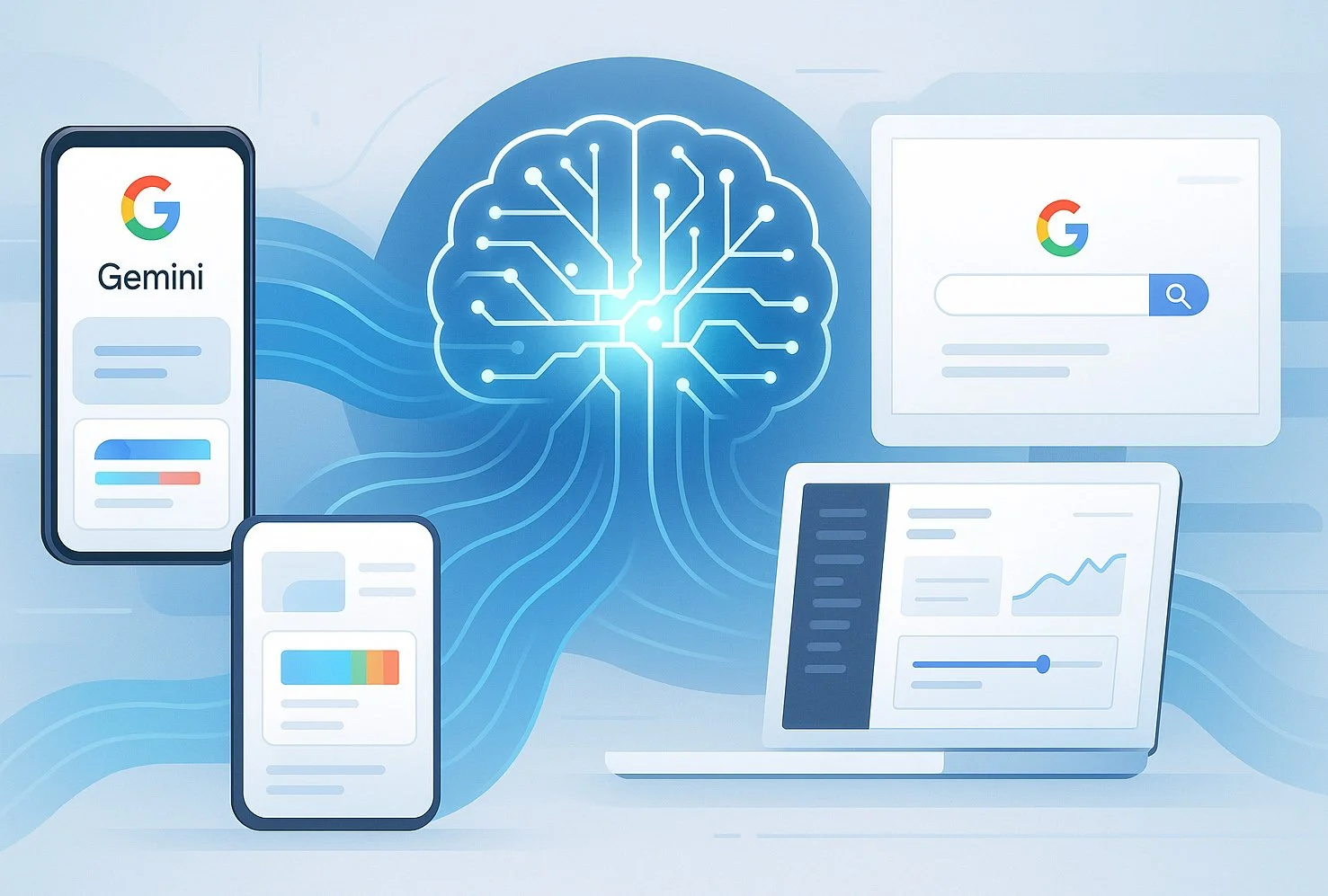
NotebookLM, Google’s source grounded research assistant, has traditionally lived as a standalone web app at NotebookLM’s own site. Over the past year, Google has started surfacing NotebookLM more directly inside Gemini experiences, so users can move between chat and research without re-uploading the same context each time.
Two specific product changes matter here:
Gemini Apps on the web now lets you attach a NotebookLM notebook inside the file upload and analysis flow. Google documents this directly in its Gemini Apps help pages, with a “To add a NotebookLM notebook” step.
Gemini Enterprise can open NotebookLM Enterprise from within the Gemini Enterprise web app via the Agents menu. Google Cloud documents the exact steps for this path.

















Why It Matters for AI Users
This is a clear signal of a broader AI product direction: mainstream assistants are increasingly being designed to work with a persistent, user curated knowledge space rather than a single one off chat.
NotebookLM is designed around grounding answers in the sources you supply, with admin controllable deployment in organisations.
Gemini, especially in enterprise form, is positioned as a broader assistant and agent platform that can orchestrate tasks and retrieve information across systems.
Putting these together lets Google offer a more continuous workflow: research and source collection in NotebookLM, then broader drafting or task handling in Gemini, while reusing the same notebook context. The existence of the attachment and Agents entry points is confirmed, even if the exact user experience varies by account type.






















NotebookLM vs Gemini Web Access: What Is Actually Different
The “Unit of Work” Is Different
NotebookLM (direct) is notebook first. Your sources, notes, and Q and A live in a dedicated notebook space, and organisations can manage it as a distinct service.
Gemini web with NotebookLM access is chat first. In consumer Gemini Apps, the notebook behaves like an attachable input to a prompt. In Gemini Enterprise, NotebookLM can appear as a Made by Google agent inside the agent gallery.
How NotebookLM Appears Depends on Your Plan
Consumer Gemini Apps: NotebookLM shows up as an attachment option in the upload and analyse flow.
Enterprise: NotebookLM Enterprise is accessed inside Gemini Enterprise via Agents.
Governance and Controls Remain Separate
Even as Google makes the experiences feel closer, NotebookLM is still managed as its own service in Google Admin.
Admins can turn NotebookLM on or off and control availability by organisational unit or access groups.
In education, Google announced NotebookLM became a Core Workspace Service enabled by default for Workspace for Education institutions, with rollout starting 4 August 2025.
Google also added enterprise controls such as Context Aware Access policies for NotebookLM and NotebookLM Plus, allowing conditional access based on factors like device posture, location, or IP.
This separation is important: integration does not necessarily mean the same data controls, audit paths, or admin settings across consumer and enterprise deployments.














How NotebookLM Availability Has Been Expanding
Google’s Workspace release notes show NotebookLM’s access model has evolved:
In September 2024, Google described NotebookLM as an Additional Service for many Workspace customers, requiring admins to turn it on depending on their settings.
By August 2025, Google announced NotebookLM was enabled by default for Education as a Core Workspace Service.
In March 2025, Google expanded admin security controls for NotebookLM and NotebookLM Plus through Context Aware Access.
These shifts help explain why users may suddenly see NotebookLM show up in new places. It is not just a UI tweak, it is part of a broader rollout across plans and admin configurations.






















How This Compares with Similar AI Products
Google is not alone in pushing towards persistent, project style context:
OpenAI ChatGPT Projects group files, instructions, and chats together so work stays on topic.
Anthropic Claude Projects similarly combine curated knowledge with chat history in a self contained workspace.
Microsoft 365 Copilot Notebooks are described as an AI workspace that gathers references and provides answers grounded in the notebook’s content.
The shared theme is straightforward: AI tools are increasingly being packaged as workspaces with persistent context, not just single chats.


















So, How to Choose?
Use NotebookLM directly when you want a dedicated research notebook with sources managed as a first class object and controlled as its own service in Workspace.
Use Gemini web access to NotebookLM when you want to bring a notebook into a broader chat workflow, or when your organisation uses Gemini Enterprise and surfaces NotebookLM as an agent.


















 TheDayAfterAI News
We are a leading AI-focused digital news platform, combining AI-generated reporting with human editorial oversight. By aggregating and synthesizing the latest developments in AI — spanning innovation, technology, ethics, policy and business — we deliver timely, accurate and thought-provoking content.