
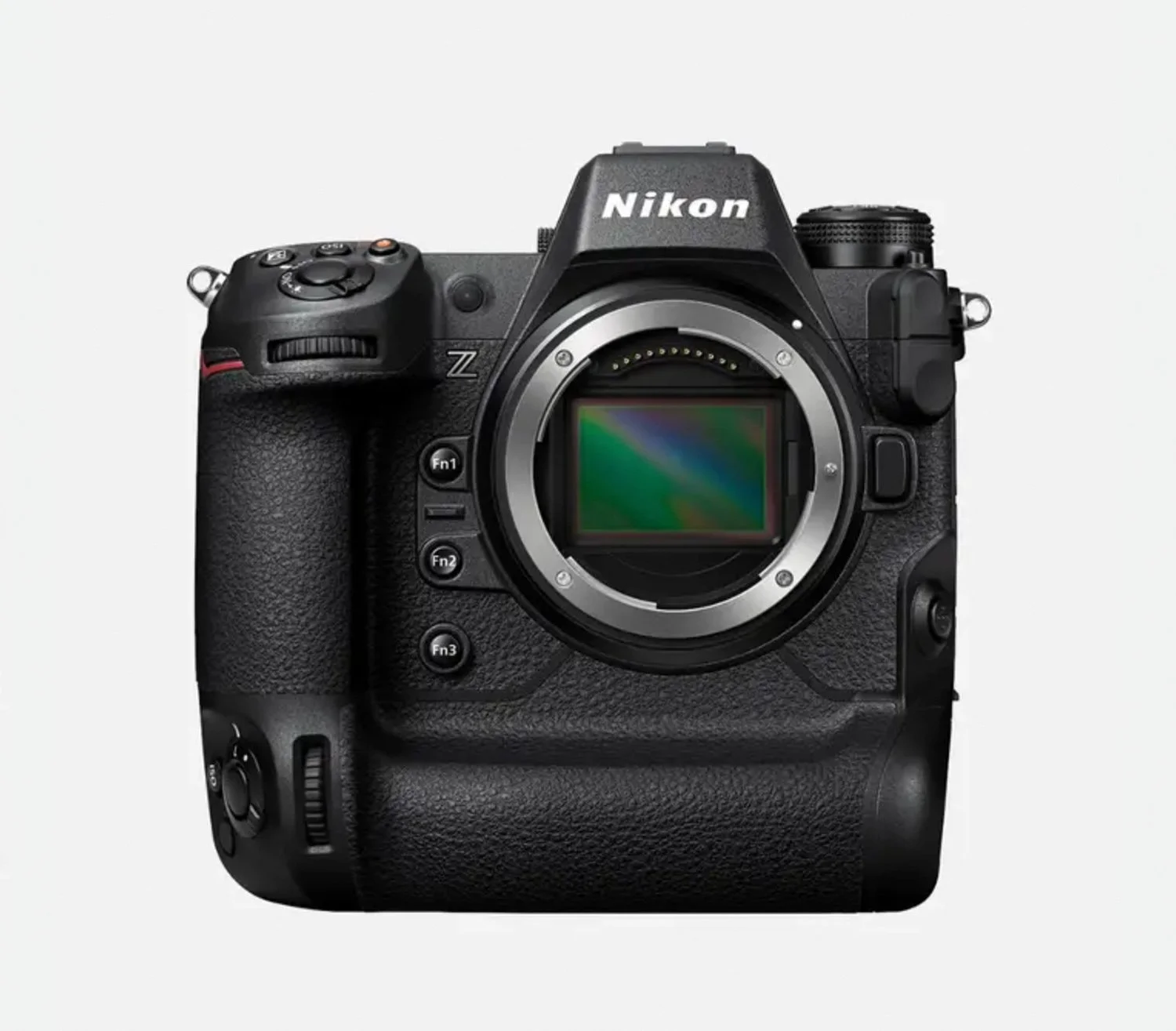
Canon EOS C400 Firmware v1.0.4.1: Adds 6K Open Gate 3:2 Mode and Frame.io Cloud Integration
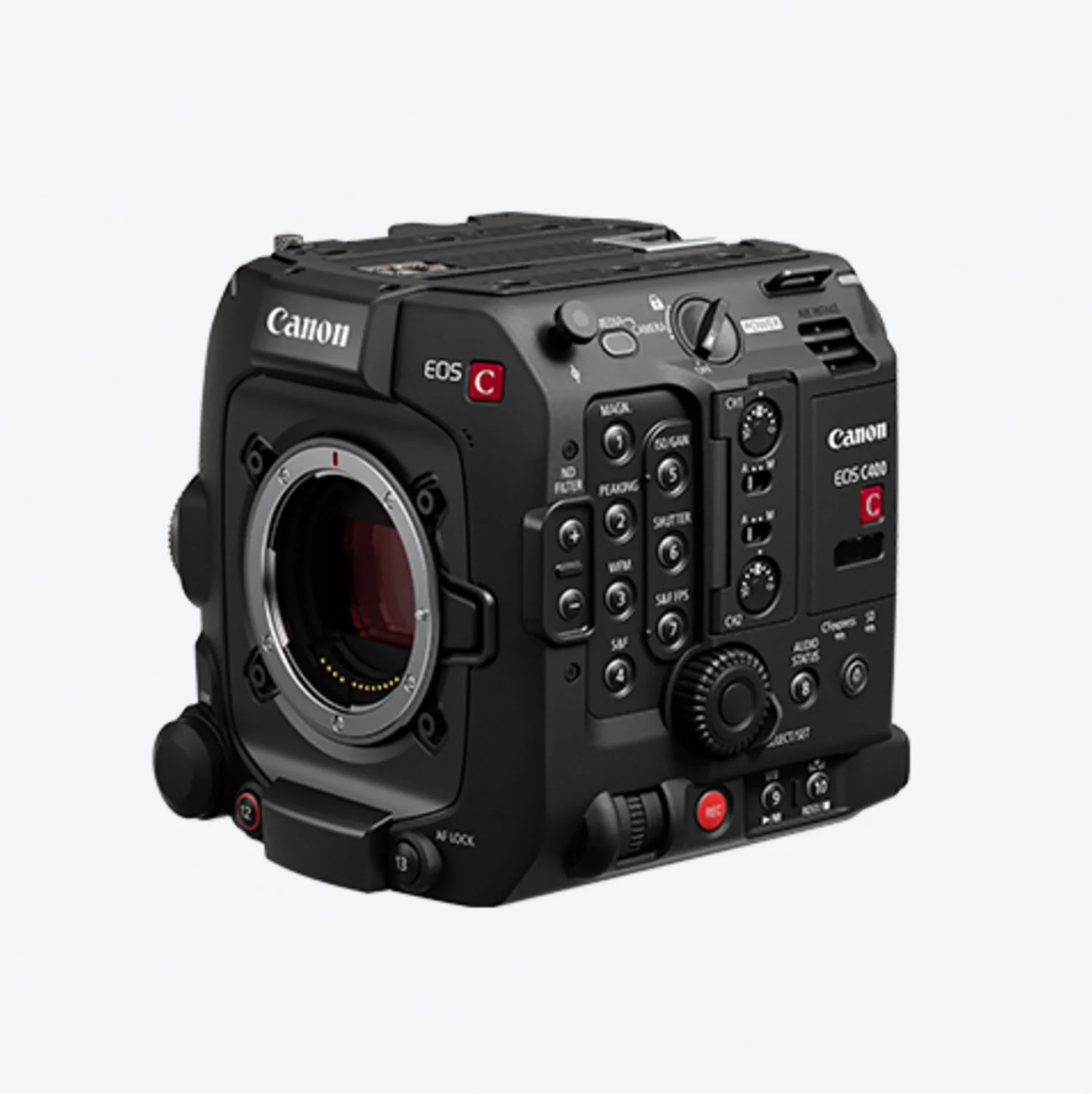
Image Source: Canon Asia
Canon Australia has published a firmware notice for the Cinema EOS C400, version 1.0.4.1, dated 18 December 2025. The update expands recording options with a new full frame 3:2 sensor mode, refines monitoring tools like focus peaking, and adds new assignable button functions including Subject to Detect and Frame.io upload.

















What Changed in This Update
The centrepiece is the addition of a Full Frame 3:2 sensor mode. Canon’s notice lists RAW main recording at 6000 x 4000 to CFexpress, plus proxy recording to SD in XF AVC S or XF HEVC S at 1920 x 1280, with supported frame rates shown in the change list. Canon also notes a black balance adjustment is required the first time Full Frame 3:2 is used.
Alongside the new sensor mode, Canon says the firmware now allows changing the LUT applied during playback, improves joystick driven AF frame movement responsiveness, and “optimizes” focus peaking to reduce interference from noise at high sensitivity settings.



















A Faster Way to Control Subject Detection
For AI focused shooting, the key workflow change is that Canon has added Subject to Detect as an assignable button function, with options shown as People or Animals. This matters because it reduces menu diving when moving between interviews, events, and situations where the camera’s subject detection priority needs to change quickly.
It is also important to be precise about what “Animals” means on the EOS C400. Canon’s own C400 materials state that detection of animals other than dogs or cats is not supported, and the camera’s published specifications list Animal Detection AF as Dogs and Cats. In other words, on C400, “Animals” is a narrower category than many people expect from Canon’s broader EOS ecosystem.
That distinction is easy to miss because Canon’s general autofocus guidance for newer EOS R system cameras describes animal detection that can include dogs, cats, birds, or horses, and frames it as deep learning based subject recognition and tracking. That broader capability is model dependent and is not what Canon documents for the C400.




















Frame.io Upload: A Button Level Shortcut into Cloud Workflows
The same assignable button list also adds Frame.io upload. Canon does not detail the full behaviour in the 1.0.4.1 notice, but it clearly positions Frame.io upload as a user facing action that can be mapped to a button for faster operation on set.
For context, Canon previously added support for Frame.io Camera to Cloud to the EOS C400 in firmware version 1.0.2.1, noting availability is limited to regions served by Frame.io. Canon Europe’s earlier announcement around these Cinema EOS updates described the C400 and C80 uploading proxy files via Wi Fi or Ethernet to a Frame.io project, to speed up remote collaboration and post production turnaround. Industry coverage from American Cinematographer also described proxy transmission over wireless or wired Ethernet, with proxy files keeping filename, timecode, and metadata alignment for smoother handoff into Frame.io.
In practical terms, this is not “AI” in the model inference sense, but it is part of the same modern pipeline trend: cameras increasingly ship with automation friendly metadata and network connected workflows so teams can move from capture to review and edit with less manual handling. Frame.io itself describes Camera to Cloud as an ecosystem of integrations that can upload media immediately after capture, including during capture.























Usability and Lens Metadata Updates That Tie into Virtual Production
Canon’s change list also adds assignable options for tele converter settings and for AF frame size selection, and expands compatibility with Canon’s CN5x11 CINE SERVO lenses in RF and PL mounts, including metadata support such as focal length, T number, and lens model name, plus T number display. For the RF mount version, Canon also lists support items that include Canon Virtual Production System compatibility and Dual Pixel CMOS autofocus compatibility.
Another notable technical addition is a new communication setting menu that allows selecting an OpenLensIO equivalent model. Canon does not explain the purpose in the firmware note, but OpenLensIO is associated with standardised lens modelling and metadata interchange efforts in virtual production and VFX workflows, where consistent lens data matters for matching real and synthetic imagery.





























 TheDayAfterAI News
We are a leading AI-focused digital news platform, combining AI-generated reporting with human editorial oversight. By aggregating and synthesizing the latest developments in AI — spanning innovation, technology, ethics, policy and business — we deliver timely, accurate and thought-provoking content.