
OpenAI Launches Atlas: New AI Browser with Agent Mode & 30-Day Memory
Image Source: ChatGPT Atlas
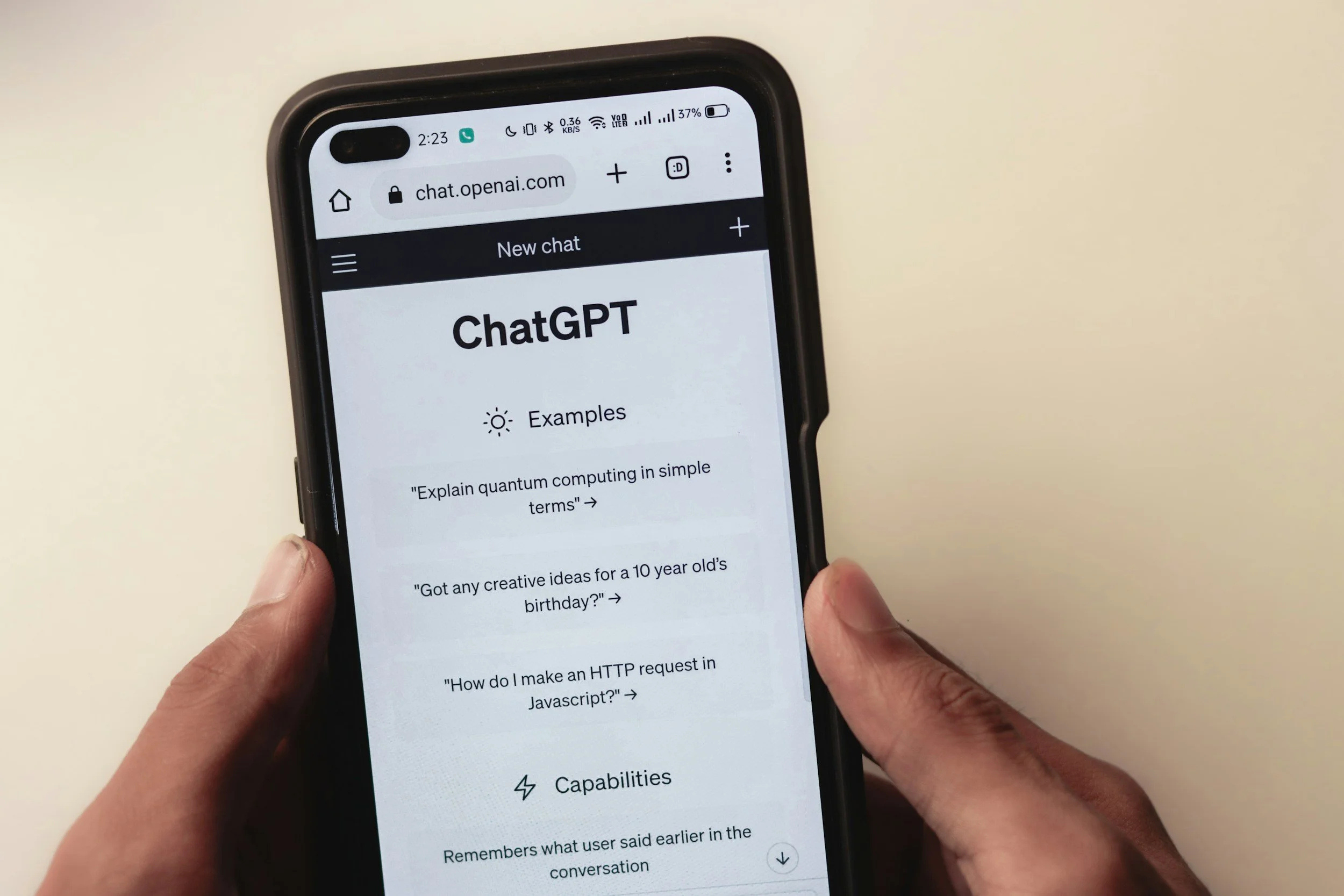
OpenAI’s ChatGPT Atlas is a new web browser that embeds its flagship AI assistant directly into everyday browsing, reflecting the company’s push to move beyond standalone chat interfaces into full-fledged consumer software. Launched globally on macOS on 21 October 2025, Atlas is available to Free, Plus, Pro and Go users, with Business support in beta and optional enablement for Enterprise and education workspaces.
By integrating AI more deeply into the browser, OpenAI aims to reduce the friction of copying and pasting content into separate chat windows. At the same time, security researchers and digital-rights groups warn that AI-driven automation inside the browser raises fresh questions about data protection and long-standing web security assumptions.





























A Chromium Browser for macOS First
Atlas is built on the open-source Chromium engine that also underpins Google Chrome and Microsoft Edge, allowing it to support familiar features such as importing bookmarks, browsing history, saved passwords and extensions from other browsers.
The browser is currently limited to Macs running macOS 14 Sonoma or later on Apple silicon chips. Windows, iOS and Android versions are planned but not yet released; OpenAI’s launch materials and follow-up posts describe these only as “coming soon,” without specific dates.
Atlas is enabled by default for most individual ChatGPT accounts across the Free, Plus, Pro and Go tiers. For organisations, it is available in beta to ChatGPT Business workspaces, and can be turned on for Enterprise and education customers by their administrators.













ChatGPT as a Sidebar Co-Pilot
Atlas places ChatGPT in a persistent sidebar that can be opened on any page. From there, users can ask the model to summarise long articles, compare information across multiple sites, translate text, or extract structured data such as tables and bullet-point lists.
The new-tab experience combines a traditional address bar with a prompt field. Users can type a URL or ask a question; Atlas responds with a chat answer alongside links, images and other web results, blurring the line between search and conversation.
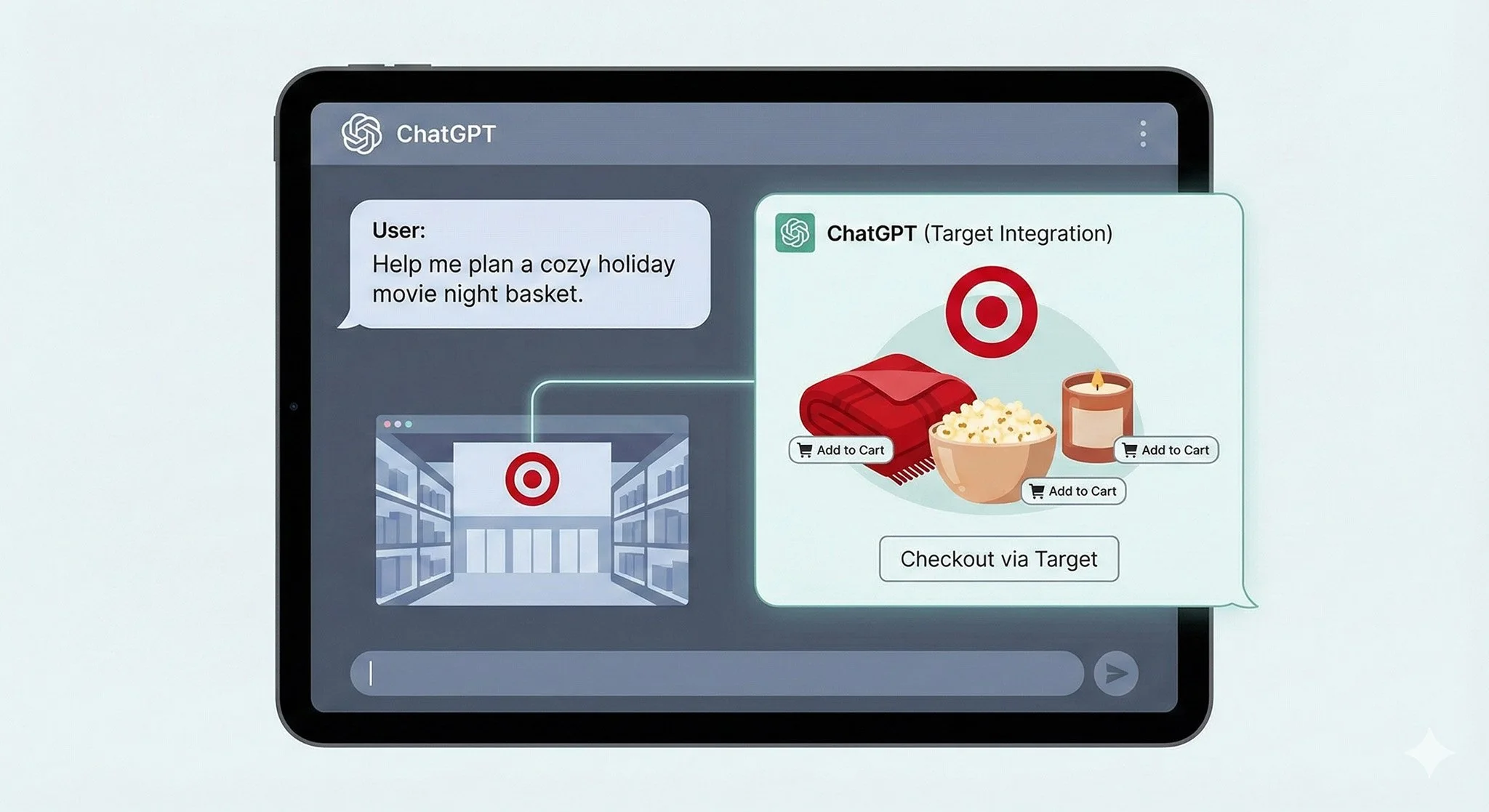
A preview feature called Agent Mode is available to paying subscribers on the Plus, Pro and Business tiers (and to some Enterprise users when enabled). In this mode, ChatGPT can control a virtual cursor, scroll pages, click buttons and fill out web forms within predefined limits. Demonstrations from OpenAI show the agent, for example, collecting ingredients from recipe sites and adding them to a shopping cart, or stepping through sign-up flows on web services. At points where payment or other sensitive actions are involved, the agent pauses and asks for explicit user confirmation before proceeding.
Atlas also introduces “browser memories”, a feature that stores short summaries of visited content to make future interactions more contextual. According to OpenAI, the browser sends page content to its servers, filters it into a concise representation, and deletes the raw material immediately. The higher-level memory entries, which users can review and manage, are retained for up to around 30 days to help power more personalised suggestions and follow-up answers. Incognito-style modes and per-site controls allow people to disable memory creation altogether or exclude specific domains.
Subsequent updates since launch have added quality-of-life improvements such as vertical tab layouts, enhanced extension imports, additional confirmation prompts before deleting chats and improvements to performance when using memories.

























Development Context: A Play for the Web’s Front Door
Atlas is led by Ben Goodger, a former lead engineer on Google Chrome, who joined OpenAI to oversee the project. Goodger’s team has separated a custom macOS-optimised interface from Chromium’s underlying engine to achieve smoother animations and tighter integration with system features like iCloud Keychain and iMessage verification code autofill.
The browser arrives at a time when users typically spend several hours a day in web applications, and when ChatGPT itself has grown to hundreds of millions of weekly users. OpenAI’s strategy is to embed AI where people already work and browse, rather than asking them to switch constantly between web pages and a separate chat tab.
At the same time, Atlas potentially helps OpenAI collect more detailed telemetry about how its models are used in real-world workflows — data that could improve future systems but which also heightens scrutiny from regulators and privacy advocates. The launch comes as antitrust authorities in the United States and Europe increasingly question the dominance of Google’s Chrome-plus-Search ecosystem, which still accounts for roughly two-thirds of desktop browser use worldwide.


























Privacy and Security: New Risks in Agentic Browsing
Despite granular settings that allow users to limit training on their data and turn off memories, security researchers emphasise that handing more control to AI inside the browser introduces new attack surfaces.
A particular concern is prompt injection, where malicious web pages embed hidden instructions designed to manipulate an AI assistant. Because Atlas’s agent can access multiple tabs and perform actions like form filling, a successful injection could, in theory, convince it to exfiltrate data or carry out unwanted steps that a human user might decline.
In October 2025, cybersecurity company LayerX published research describing a vulnerability dubbed “ChatGPT Tainted Memories”. Their analysis showed how crafted sites could plant persistent, adversarial instructions into Atlas’s memory system through cross-site request forgery, potentially influencing the assistant’s behaviour days later if not removed. OpenAI has issued guidance on safe usage and continues to refine countermeasures, but researchers note that defending against prompt injection remains an open problem for all AI-integrated browsers.
Digital-rights groups are similarly cautious. The Electronic Frontier Foundation has argued, in comments to NPR, that combining AI agents with full browser control significantly amplifies the potential impact of traditional web threats, especially when users may not understand the extent of the automation. A University of Sydney analysis warns that Atlas risks recreating earlier patterns of large-scale data collection, urging clear consent mechanisms and strict limits on how browsing histories and AI memories are retained.
Legal experts also point out that, like email and cloud-storage services, Atlas-mediated chat logs and browsing-derived data could be subject to law-enforcement or civil disclosure requests, depending on jurisdiction. That possibility has prompted some privacy-focused companies to advise users to weigh the convenience of AI agents against a potentially expanded footprint of data stored with a single provider.























How Atlas Compares with Other AI-Powered Browsers
Atlas is launching into a quickly crowding field in which several companies are experimenting with AI-centred browsing.
Perplexity’s Comet began as a limited-release, $200-per-month offering for Perplexity Max subscribers in July 2025, focused on automating research and repetitive tasks. On 2 October 2025, Perplexity made Comet free for everyone worldwide, with revenue now tied to optional Pro and Max plans that unlock higher usage limits and additional features. Comet runs on desktop platforms and has since expanded to Android, where it offers voice-driven summarisation and query features. Recent security research and vendor rebuttals have highlighted debates over how safely Comet and similar tools handle untrusted page content, underscoring that prompt injection and automation risks are not unique to Atlas.
Brave Leo, by contrast, layers an AI assistant into the existing Brave browser, which is known for ad-blocking and privacy tools. Leo can summarise pages and generate content, but Brave emphasises that requests are proxied through anonymising servers, do not require an account and are not retained or used for model training by default. Brave also offers configurations that run certain models locally or within trusted execution environments to limit exposure of sensitive data. Leo does not currently provide the same level of full-page autonomous navigation that Atlas and Comet attempt.
Dia, from The Browser Company, takes a different approach again. Initially launched in invite-only beta in June 2025, Dia is now available to all Mac users with Apple silicon and macOS 14 or later, with free and $20-per-month Pro tiers. Dia treats AI as the “environment” of the browser rather than a single sidebar, letting users chat with entire workspaces of tabs, create custom automations and rely on memory-like features, but it remains Mac-only and does not yet offer a Windows version.
Other players include SigmaOS, a Mac-focused browser that organises tabs into workspaces and layers on AI summaries, and mainstream offerings like Microsoft Edge, which integrates Copilot across its browser and Office applications. These tools tend to emphasise workflow organisation and office integration, whereas Atlas’s main differentiator is its deep tie-in with the broader ChatGPT ecosystem and its agent mode.

























Early Reception: Mixed Enthusiasm Among Testers
Initial reactions to Atlas have been varied. Some early adopters and AI-focused newsletter writers report that, for routine tasks such as basic browsing and simple queries, Atlas offers only modest advantages over using ChatGPT in a separate tab. Others have complained on social platforms about performance issues, battery drain on laptops and occasional problems with media playback on sites like YouTube.
At the same time, several founders and productivity-tool makers have praised Atlas’s agent mode for handling multi-step web tasks, such as closing pop-up modals, stepping through onboarding flows and pre-filling forms in ways that feel similar to how a human assistant might navigate. Some educators and knowledge-workers argue that its memory features make it easier to resume research sessions or project-based browsing after interruptions, although others remain wary of the privacy trade-offs involved.



























Habits, Power and Regulation
More broadly, Atlas is part of a shift from keyword-based search towards AI-mediated interaction with the web. For office workers who routinely juggle dozens of tabs across research, email, documents and dashboards, AI-enhanced browsers promise to reduce context switching, summarise information on demand and automate repetitive site interactions. Whether those perceived productivity gains materialise at scale remains to be seen, and independent measurements are still limited.
Regulators and academics are watching developments closely. Analyses from universities, including the University of Sydney, and reporting from outlets such as NPR and the Guardian stress that AI browsers centralise significant volumes of behavioural and content data under single providers, raising questions about competition, data governance and the transparency of model training.
For now, Atlas is an experiment in reshaping how people move through the web, bundling a popular AI assistant directly into the core browsing experience. Its eventual impact will depend not only on how quickly OpenAI can expand beyond macOS and improve defences against emerging attacks, but also on how comfortable users and regulators become with AI systems acting as intermediaries, and sometimes actors, on their behalf.






















Source: Super Prompt, Perplexity, OpenAI, Tech Radar, Brave, The Verge, Medium
















 TheDayAfterAI News
We are a leading AI-focused digital news platform, combining AI-generated reporting with human editorial oversight. By aggregating and synthesizing the latest developments in AI — spanning innovation, technology, ethics, policy and business — we deliver timely, accurate and thought-provoking content.