
Photoshop 2026 Adds Topaz AI: 4x Upscale & 56MP Support
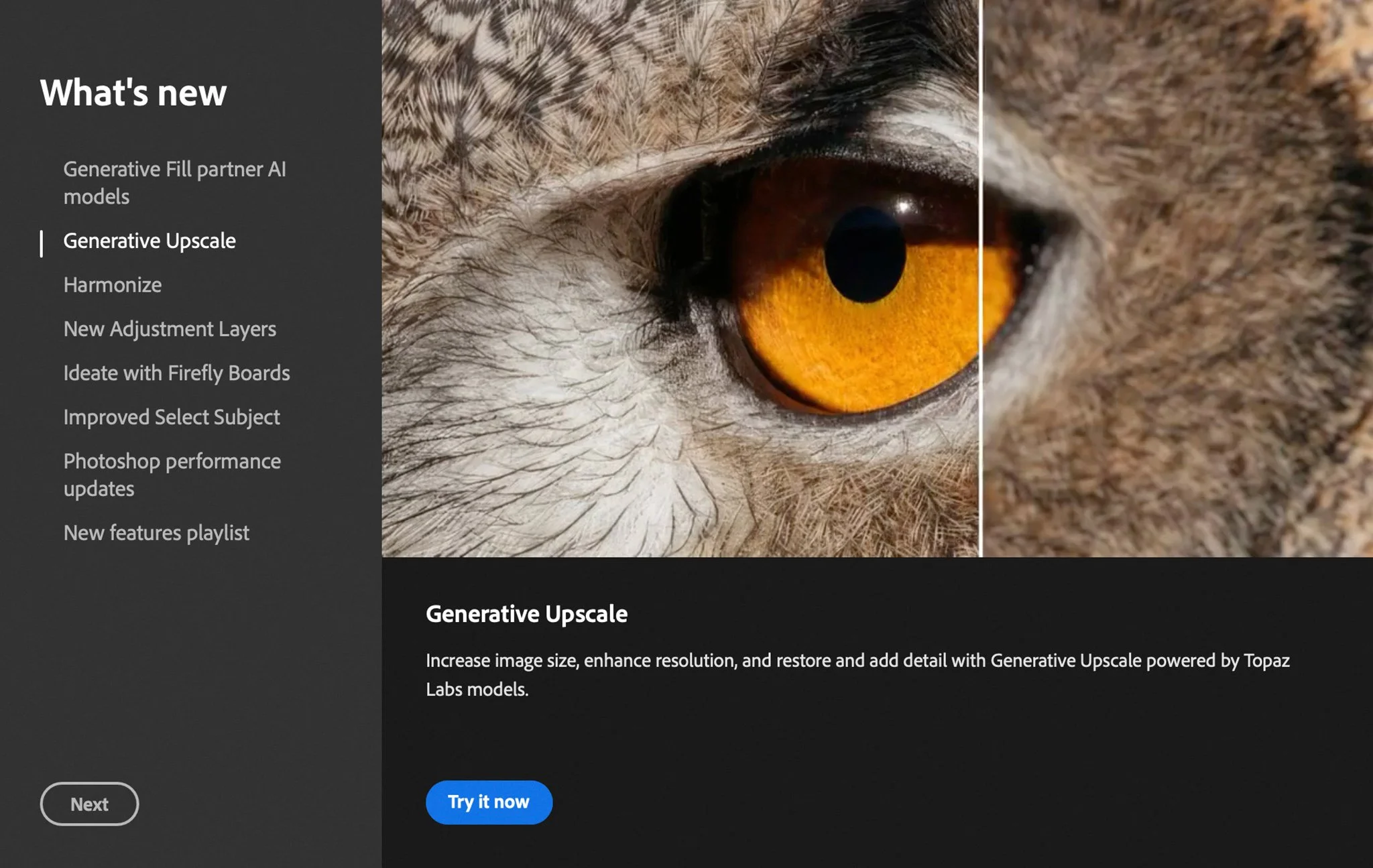
Photo Credit: Adobe Photoshop
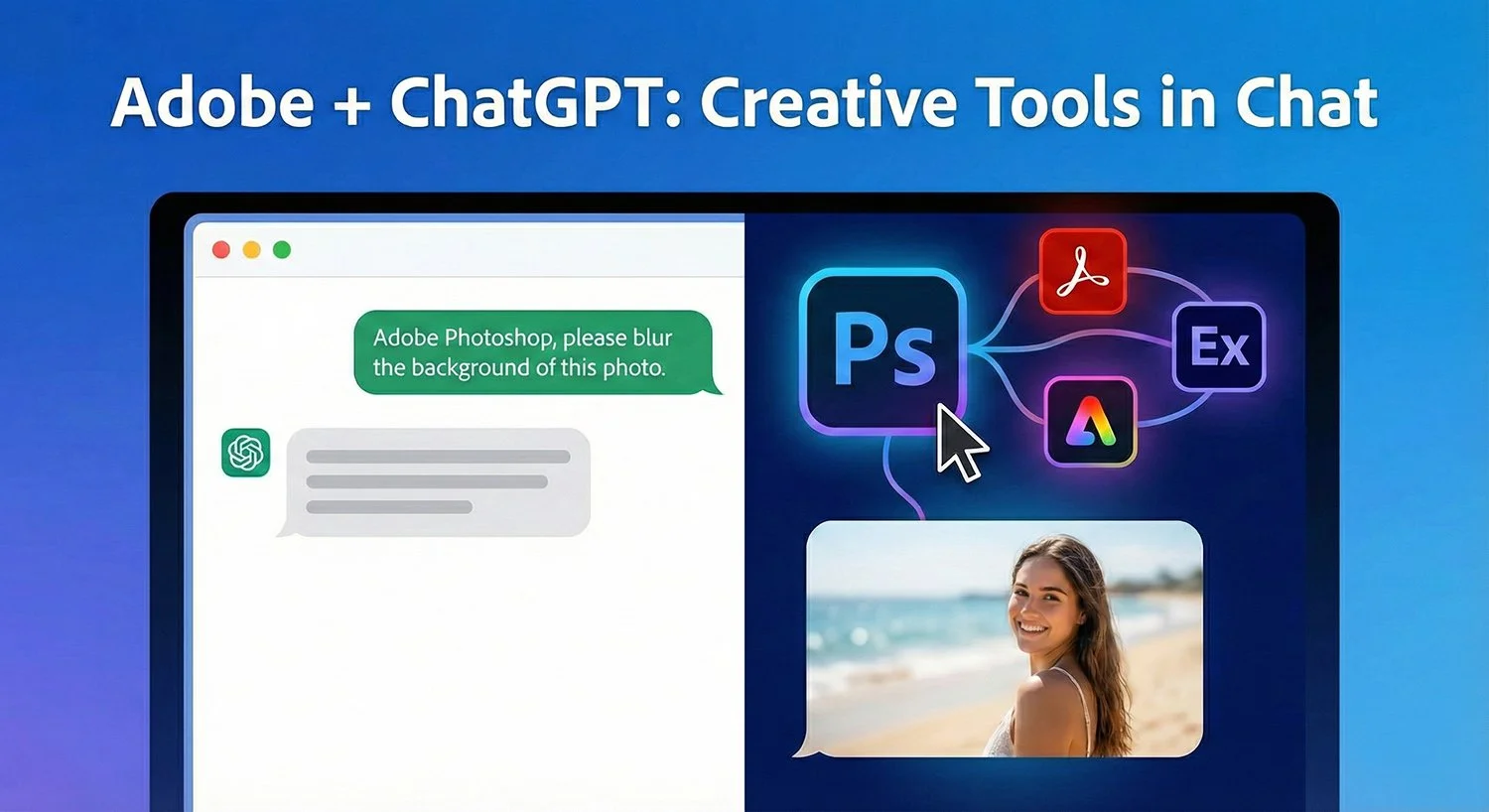
Adobe has begun running Topaz Labs’ AI models natively inside Photoshop 2026, tightening the link between its Creative Cloud apps and specialist third-party image enhancers.
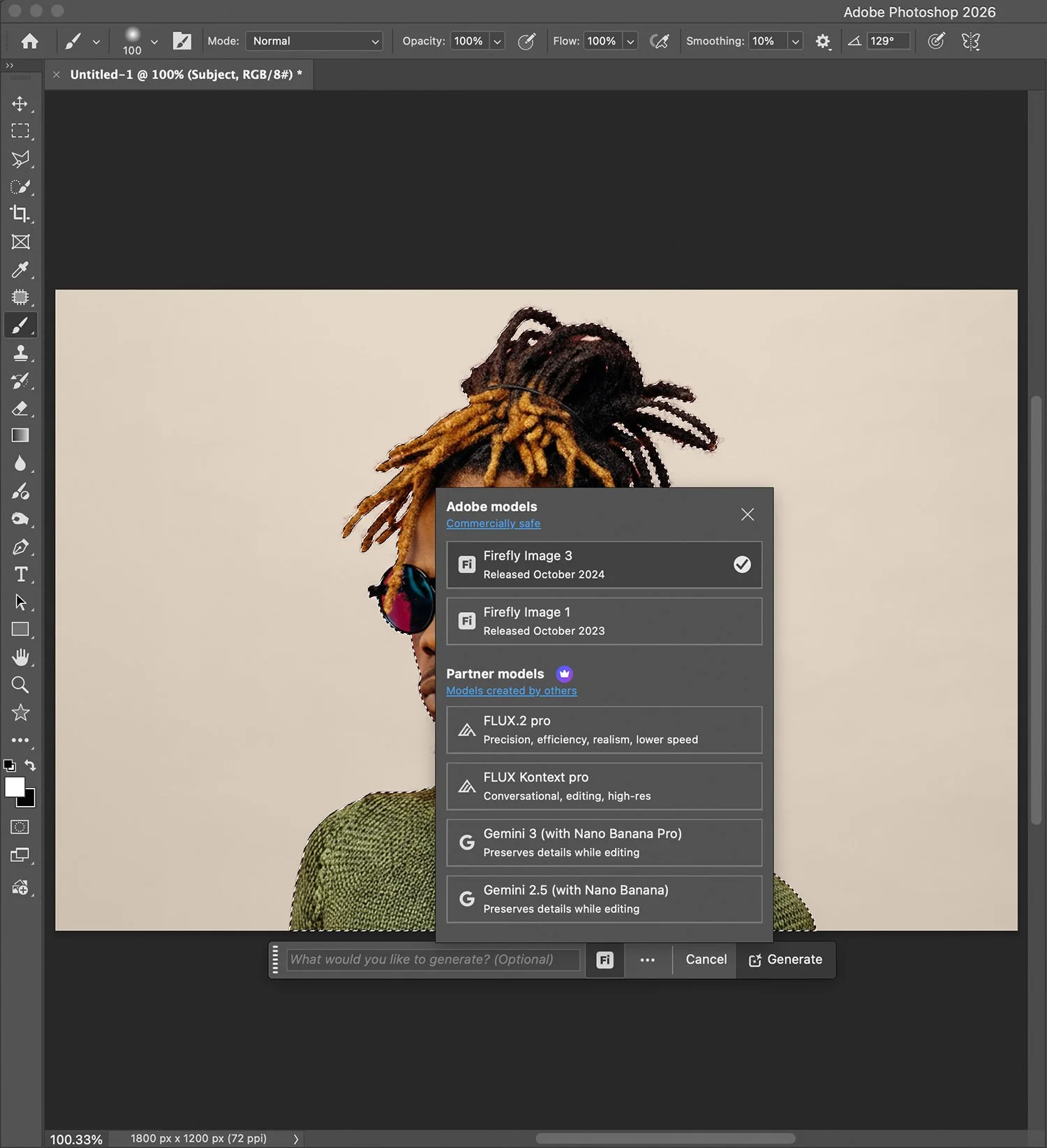
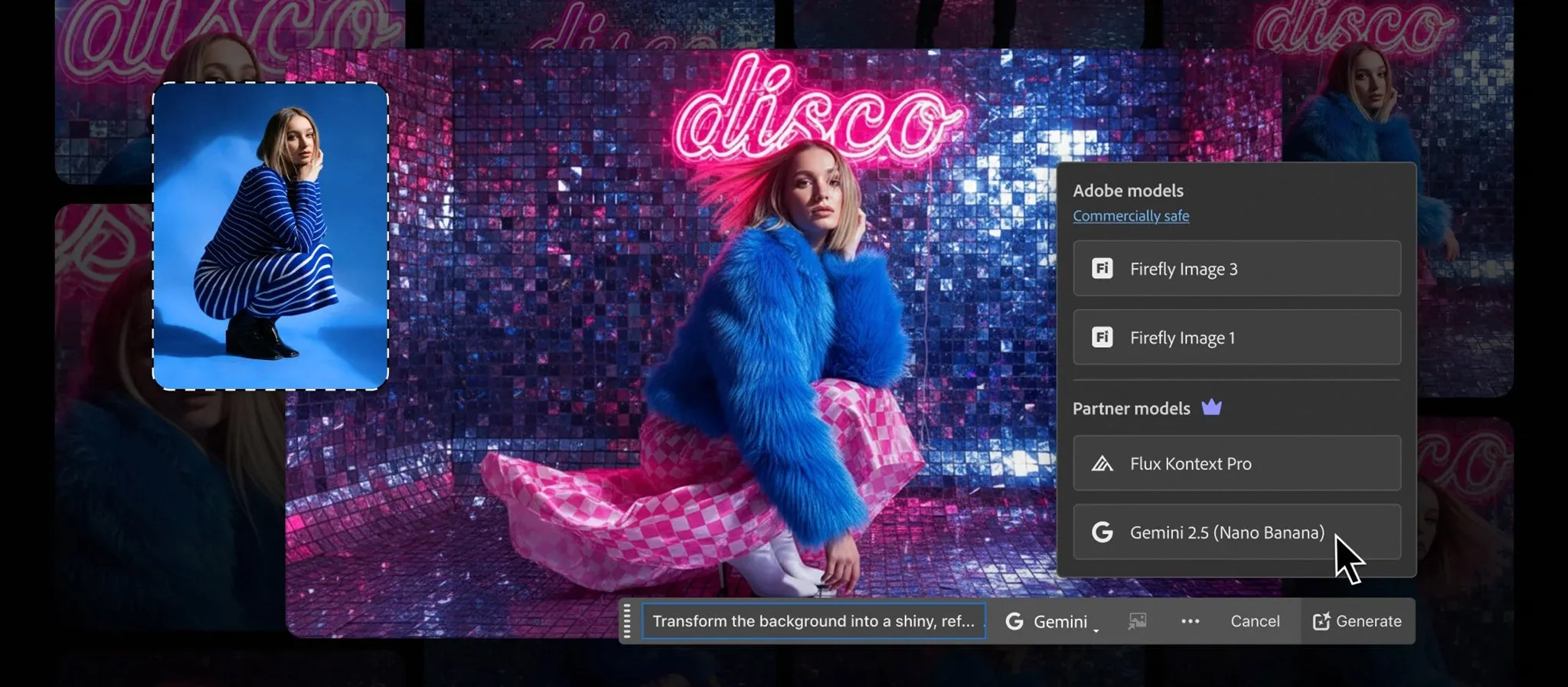
Announced as part of Adobe’s MAX 2025 updates in late October, the company’s new “partner models” program now lets Photoshop users call Topaz algorithms directly from tools such as Filter > AI Sharpen and Image > Generative Upscale, without installing separate Topaz plug-ins.
Under the scheme, Topaz Gigapixel and Topaz Bloom power premium options inside Generative Upscale, while a new AI Sharpen filter and companion AI Denoise filter in Photoshop are explicitly described by Adobe as being “powered by a partner AI model from Topaz Labs”.



















Background: From Plug-ins to Embedded AI
Topaz Labs has been part of many photographers’ Adobe workflows for more than a decade, originally as external applications and plug-ins accessed from Filter > Topaz Labs or File > Automate in Photoshop.
Tools such as Sharpen AI, DeNoise AI, and Gigapixel AI built a reputation as specialist sharpen, denoise, and upscaling utilities that could outperform Adobe’s native tools in some scenarios. Reviews and comparisons from sites including DPReview and independent testers have repeatedly found Topaz Gigapixel to be among the strongest options for detail-preserving upscaling versus Photoshop’s own Super Resolution and other rivals.
Topaz itself is a privately held company based in the Dallas–Fort Worth area of Texas. Company profiles and public records list it as founded in the mid-2000s (often cited as 2005–2008) by Feng “Albert” Yang, with Eric Yang now serving as CEO.
Historically, photographers purchased Topaz apps as standalone perpetual licences—typically in the US$79–99 range per product—or, more recently, via subscription bundles such as Topaz Studio or Topaz Photo + Video plans. Current pricing on Topaz’s site shows personal plans for image tools starting around US$12 per month on annual billing, with higher tiers for video and studio bundles.
Adobe’s own AI efforts, centred on the Firefly model family, initially focused on generative tools like Generative Fill and Generative Expand. Upscaling and sharpening remained available through features such as Super Resolution and legacy filters, but enthusiasts and reviewers often turned to Topaz or DxO for the most demanding enlargement and noise-handling tasks.
The new integration moves Topaz from “optional plug-in” to embedded engine inside Adobe’s own AI toolset.















AI Sharpen and AI Denoise
In Photoshop 2026, Adobe has introduced AI Sharpen and AI Denoise as “generative AI filters” that run in the cloud on Topaz models.
Key points from Adobe’s official documentation:
Access:
AI Sharpen is available via Filter > AI Sharpen.
AI Denoise appears under the same generative AI filters section.
Capabilities:
AI Sharpen is intended to recover detail and counteract motion blur or slight focus errors.
AI Denoise targets luminance and colour noise, particularly in high-ISO or low-light images.
Credit use:
AI Sharpen and AI Denoise are classed as premium partner-model features.
According to Adobe’s generative-credits FAQ and partner-model table, Topaz-powered operations in Photoshop consume:
10 credits for outputs up to 25 megapixels.
20 credits for outputs between 25 and 56 megapixels.
Adobe’s guidance emphasises that these filters modify the selected layer rather than auto-creating a new one, so non-destructive use still relies on standard Photoshop practice, duplicating layers or converting to Smart Objects first.


















Generative Upscale With Topaz Gigapixel and Bloom
Photoshop’s Image > Generative Upscale command, originally backed by Firefly upscaling, now offers a model dropdown that includes Topaz Gigapixel and Topaz Bloom alongside Adobe’s own Firefly Upscale.
From Adobe’s documentation and recent tutorials:
Firefly Upscale (standard feature):
Designed for general photo upscaling with Adobe’s own model.
Uses 5–10 credits depending on megapixel count.
Topaz Gigapixel (partner model):
Described as a high-fidelity upscaler aimed at maintaining realistic detail in photographs.
Available for images up to 56 megapixels, with credit use of:
10 credits (up to 25 MP)
20 credits (25–56 MP)
Topaz Bloom (partner model):
Pitched as a more “creative” upscaler, tuned for AI-generated art and stylised imagery, adding extra texture and depth.
Currently limited to 1–9 megapixel inputs and costs 35 credits per upscale.
Generative Upscale can scale images up to 4× within an 8K resolution cap; Adobe’s examples show small files in the 900×600 to 1200×900 range being enlarged to around 4000 to 5000 pixels on the long edge.
You do not need a separate Topaz subscription to use these options: the Topaz models are invoked through your Adobe account, with usage counted against Creative Cloud generative credits. This point is emphasised both in Adobe’s help pages and independent tutorials aimed at Photoshop 2026.























Pricing, Credits and Where Topaz Fits
Topaz’s own pricing now centres on subscription bundles rather than individual perpetual licences. Public pricing pages show, for example, a Topaz Photo plan for still images starting at roughly US$17 per month (annual billing), and options around US$12 per month for more limited bundles.
Within Photoshop, partner-model usage is tied to Adobe’s broader generative-credit system:
Firefly-based standard features (such as basic Generative Fill) usually consume 1 credit per generation.
Partner-model features, including Topaz Gigapixel, Topaz Bloom, AI Sharpen and AI Denoise, are classified as premium and use higher credit amounts per operation.
Independent commentators have already started advising photographers to weigh up whether heavy upscaling and sharpening workloads are more cost-effective via Adobe credits or direct Topaz subscriptions, a trade-off also highlighted in recent tutorials on Photoshop 2026’s Generative Upscale.

















Early Reception and Limitations
Early community discussion on forums such as DPReview and Adobe’s own boards reflects cautious optimism: many users welcome the convenience of having Topaz-grade sharpening and upscaling accessible directly in Photoshop without round-tripping to separate apps.
At the same time, familiar caveats remain:
Reviewers and users have long noted that aggressive settings in Topaz tools can lead to “over-processed” or “plastic”-looking detail, particularly on skin, hair or fur, if sliders are pushed too far.
Some photographers continue to prefer alternatives such as DxO PhotoLab’s DeepPRIME XD or Adobe’s own Super Resolution / Lightroom Denoise AI in certain high-ISO or documentary scenarios, citing different trade-offs between detail, noise and natural texture.
These are stylistic and workflow preferences rather than clear-cut wins for any single tool, and the new integration does not prevent users from continuing to run standalone Topaz apps or plug-ins where they feel those remain preferable.




















Content Credentials and Transparency
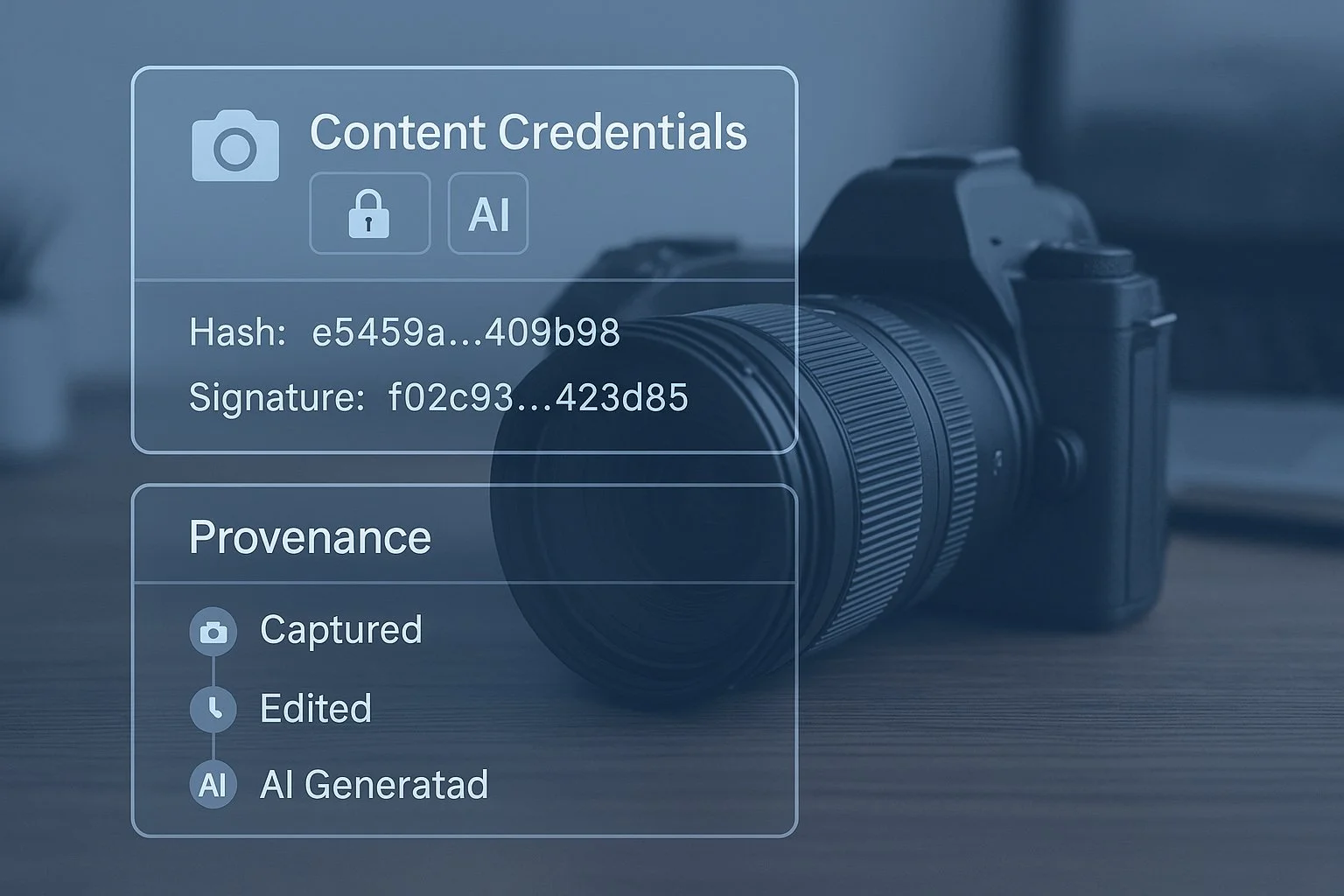
Adobe has tied the new partner-model features into its broader Content Credentials initiative, developed with the Content Authenticity Initiative (CAI). For Firefly-based generative image features, Adobe already attaches cryptographically verifiable metadata that indicates when AI was used, and whether the media was generated or edited with Adobe or partner models.
Recent Firefly and partner-model guidance indicates that this approach extends to partner-model operations such as Generative Upscale and premium Generative Fill: images processed in the cloud are tagged so that downstream platforms can see that generative AI, whether Firefly, Gemini, Flux or a partner like Topaz, was involved.
The implementation details vary by app and user settings, and Content Credentials can be disabled, but Adobe’s stated policy is to enable them by default for generative AI features in Creative Cloud.
























A Shift Toward Open AI Ecosystems
The Topaz integration is part of a broader strategy in which Adobe turns Photoshop, Premiere and other Creative Cloud apps into hubs for multiple AI providers. Alongside Firefly, Adobe has already announced or shipped support for partner models from Google (Gemini), OpenAI, Luma AI, Black Forest Labs and others across Firefly Web, Firefly Boards and Creative Cloud apps.
Topaz Gigapixel and Bloom occupy a clear niche in that line-up: rather than generating images from scratch, they focus on enhancement — upscaling and detail reconstruction — where specialist models have shown consistent advantages in many independent tests over the last several years.
For working photographers and designers, the immediate impact is practical: less time spent moving files between apps, and more choice over which AI engine runs under the hood of familiar Photoshop commands. For the industry, it illustrates how AI “stacks” are becoming more modular, with generalist platforms and specialist engines co-existing inside the same user interface.
What remains to be seen is how users balance credit-based partner models against standalone subscriptions, and how much creative control Adobe and its partners will expose, beyond today’s relatively streamlined interfaces, as demand grows for both speed and fine-tuning in AI-assisted editing.



































 TheDayAfterAI News
We are a leading AI-focused digital news platform, combining AI-generated reporting with human editorial oversight. By aggregating and synthesizing the latest developments in AI — spanning innovation, technology, ethics, policy and business — we deliver timely, accurate and thought-provoking content.