
Topaz Photo v1.2 & Gigapixel v1.1: Diffusion Upscaling & Cloud Tools
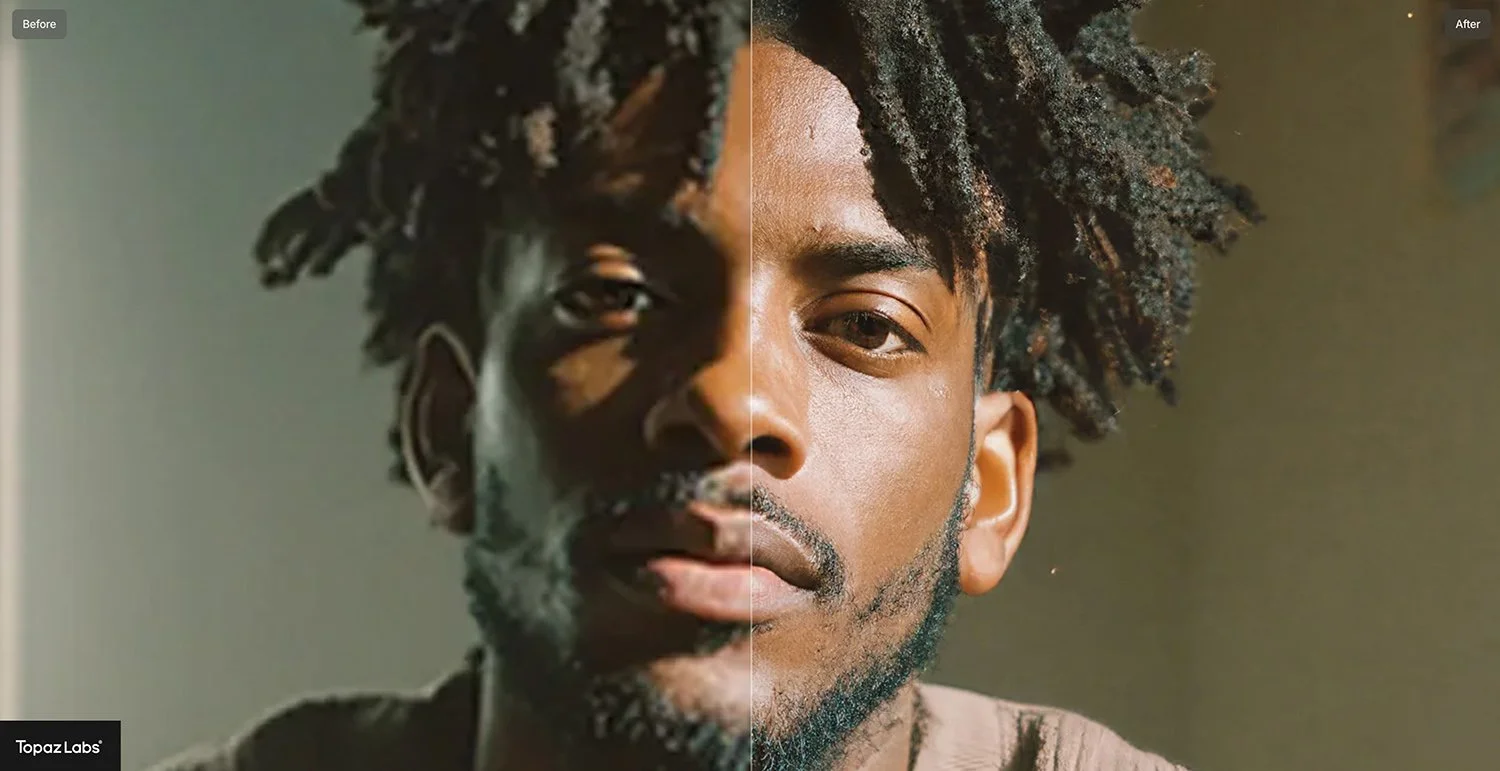
Image Source: Topaz Labs
Topaz shipped a notable round of upgrades to its post production tooling in late January 2026, with Topaz Photo v1.2.0 marked as released on 22 January 2026 and Topaz Gigapixel v1.1.0 to v1.1.1 posted on 23 January 2026.
The headline is that Topaz is pushing harder into diffusion style upscaling (Recover v3) and a cloud only realism model (Wonder 2), while also adding more traditional workflow polish like cloud queue management and metadata that better documents when a generative model was used.













What Topaz Photo v1.2.0 Actually Adds
1. Wonder 2: “realism” enhancement, cloud only
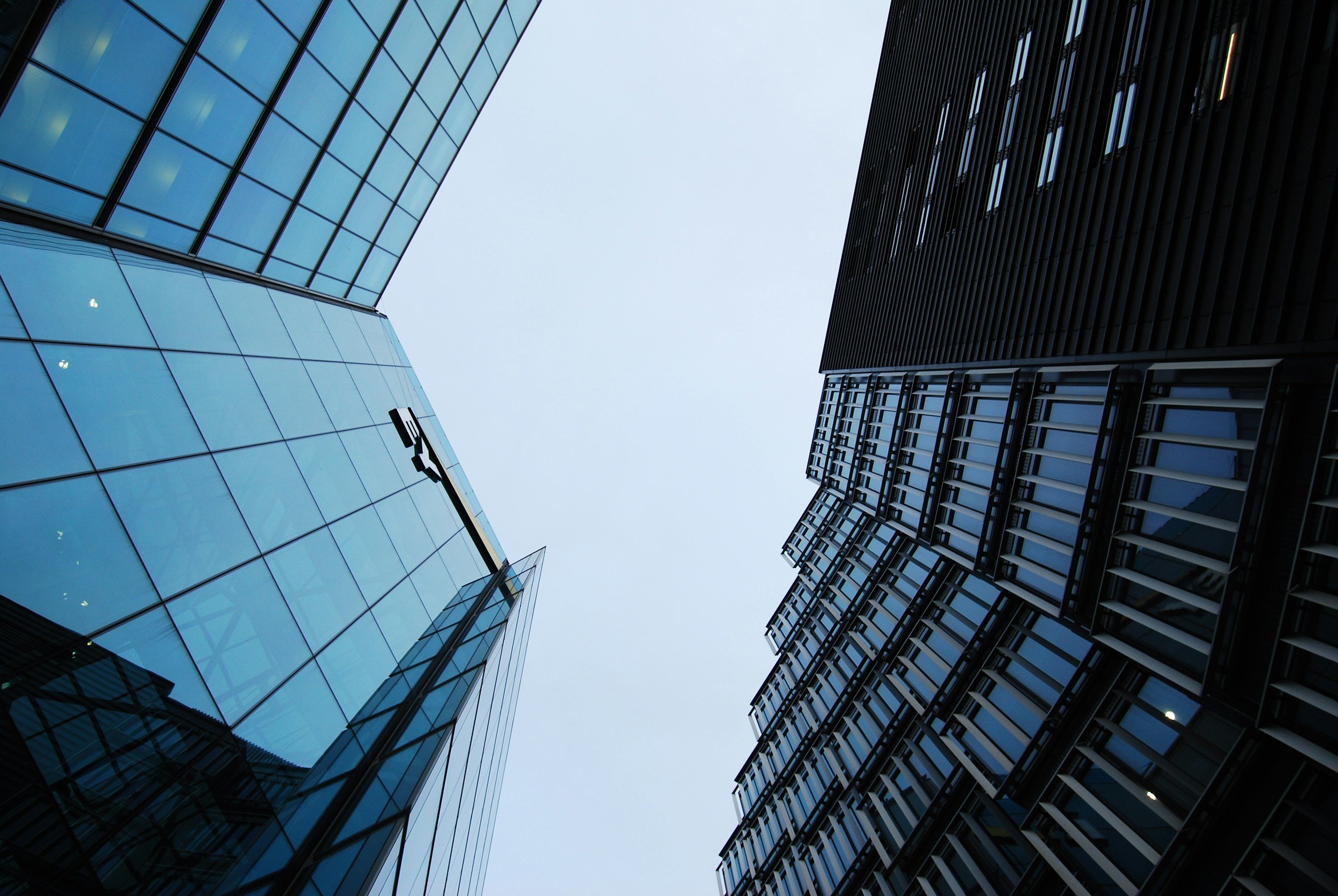
Topaz positions Wonder 2 as a one click model aimed at cleaning up challenging images while keeping results natural, including a stated focus on reducing artefacts and preserving text when the source allows. In both the release post and Topaz docs, Wonder v2 is explicitly cloud render only for now, with a maximum cloud output size of 128 megapixels called out in the release notes.
Topaz’s own docs also note practical constraints and usage guidance: Wonder v2 is single step with no preview controls, it tends to do best at larger upscale factors (Topaz recommends 4x), and it is not recommended for low light phone images with heavy noise.
2. Recover v3: diffusion upscaling with user controlled intensity
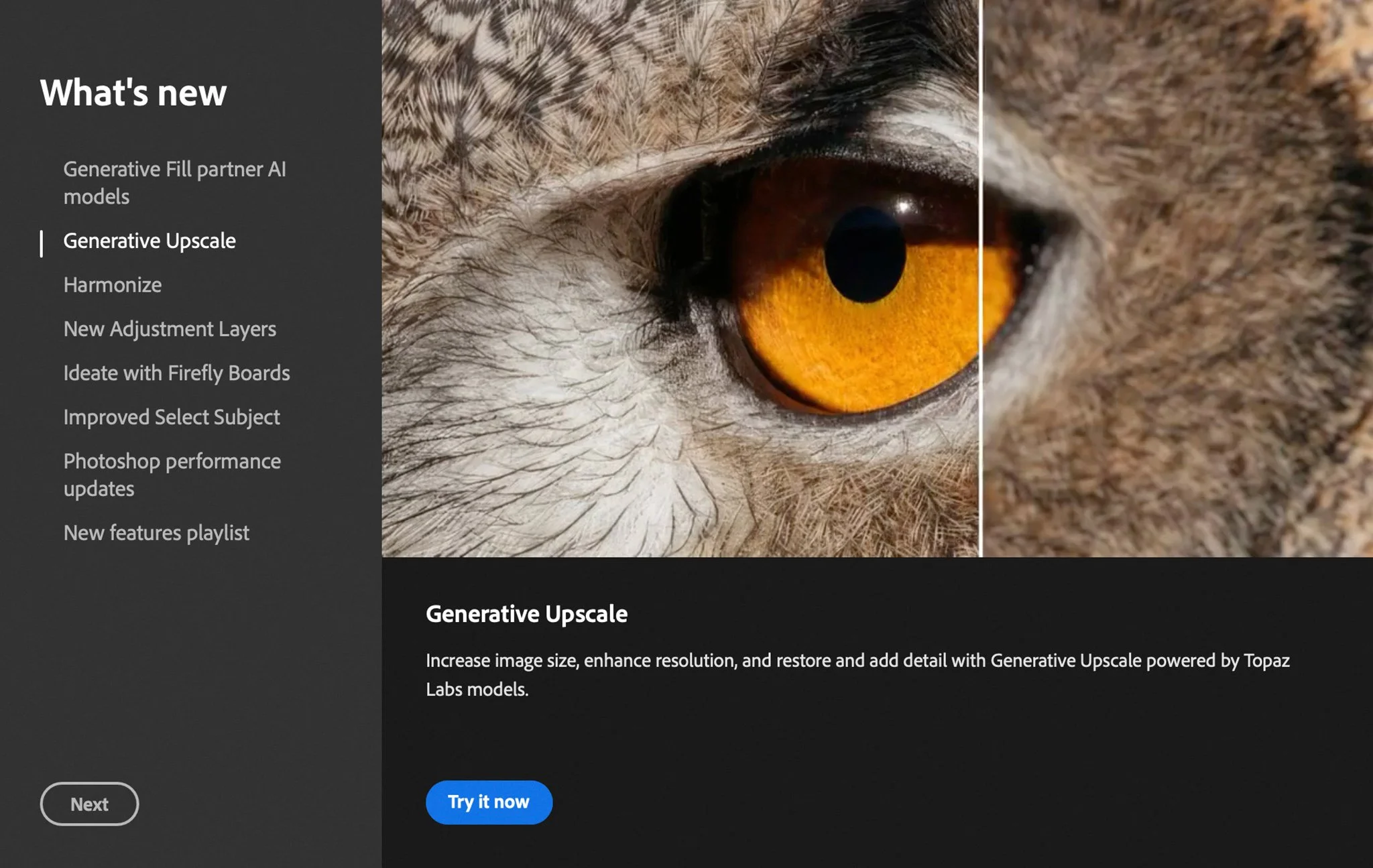
Recover v3 is framed as Topaz’s higher quality approach to upscaling that focuses on reconstructing fine surface detail (fur, skin texture, foliage, fabric), rather than pushing a sharpened look. In Topaz Photo, the control is described as a Creativity setting with Low, Medium, High options, along with a warning that higher settings can introduce artefacts.
The most important accuracy point from the release notes is the platform split: Recover v3 Mac local processing was disabled at release (cloud only on Mac for now), with Topaz stating they will continue working on it. The same post also notes Recover v3 is not supported on Windows ARM devices due to hardware constraints.
3. Remove v2: scene aware cleanup, but with early reports of GPU issues
Topaz says Remove v2 is faster and has improved scene understanding for more natural fills, and that it runs locally on Windows and Mac. It also states that Windows ARM devices and macOS 26 (Tahoe) are not supported for this model.
At the same time, the public release thread includes users reporting broken output in GPU mode (grey blob artefacts), and a Topaz staff member replying that a development ticket was opened and that CPU processing can act as a workaround while they investigate.
4. Grain: a deliberate “finishing step” to counter the AI smooth look
Grain is presented as a final pass to reintroduce texture after denoise, sharpen, face recovery, or upscaling. The release notes describe three grain modes (Gaussian, Grey, Silver Rich) plus controls for strength, intensity, and size, and they explicitly recommend using it last so subsequent AI steps do not distort it.













What Changed in Topaz Gigapixel v1.1.0 to v1.1.1
Gigapixel’s v1.1 release notes mirror parts of the Photo update, but with a bigger emphasis on workflow and visibility.
Recover 3 availability is split by platform
Gigapixel lists Recover 3 as local plus cloud on Windows, and cloud only on macOS with local support coming later. The same release also flags as a known issue that Recover 3 local rendering is not yet available on macOS.
Gigapixel’s control wording differs slightly: it describes a Low, Med, High “strength mode” to control intensity, with Medium as the default.
File list updates make generative steps auditable
Gigapixel v1.1 updates the File List so you can see which generative model was used, associated settings, and quick access to Redefine prompts. This matters for credibility and repeatability because it gives photographers a clearer paper trail of where generative processing entered the workflow.
Cloud Queue improvements reduce busywork
Topaz added Cloud Queue access from the Import page and a “Download All” option for completed cloud renders, aimed at reducing friction in batch style workflows.















Cloud Processing and “Credits”: What Topaz Says
Topaz’s own Cloud Rendering page draws a sharp line between image and video cloud processing. It states that cloud processing for images in Topaz Photo and Topaz Gigapixel is free and unlimited with an active subscription, while cloud credits are positioned for video rendering (and for legacy image apps where unlimited cloud is not activated).
That distinction matters because it explains why Topaz can ship cloud only image models like Wonder 2 without necessarily forcing per image credit purchases in the current app line, while still monetising cloud compute heavily in the video pipeline.




















Early Reliability Signals: What Users Reported Right after Release
Two early warning signs show up in the official community threads:
Remove v2 GPU artefacts were reported by users, and Topaz staff acknowledged the issue and opened a dev ticket.
Cloud render cropping issues were reported in Gigapixel, with staff confirming affected users were seeing a known issue and being directed into a bug thread.
None of this is unusual for major model drops, but it is relevant for production workflows where consistency matters as much as headline quality gains.







How This Compares to Other Common Post Production AI Tools
Topaz’s direction here is different to the more conservative AI uplift approach used by some mainstream editors.
Adobe Lightroom’s Super Resolution is positioned as a predictable enlargement tool that creates an enhanced image at 2x linear resolution (4x total pixels). It is still AI assisted, but it is framed as enhancement rather than generative reconstruction.
DxO’s DeepPRIME family is similarly focused on machine learning driven denoise and demosaicing for RAW files, aiming to recover detail while suppressing noise rather than adding new structure via a generative model.
Against that backdrop, Topaz is leaning into a workflow where photographers may choose between:
enhancement style tools that try to preserve the source character, and
diffusion or generative style tools that can do more reconstruction, but need clearer guardrails, metadata, and user judgement to avoid unnatural output.

















 TheDayAfterAI News
We are a leading AI-focused digital news platform, combining AI-generated reporting with human editorial oversight. By aggregating and synthesizing the latest developments in AI — spanning innovation, technology, ethics, policy and business — we deliver timely, accurate and thought-provoking content.